- Query your NVIDIA NIM models via the Permitech Playground or run experiments.
- Evaluate the performance and quality of responses from your NIM-hosted models within Permitech.
Prerequisites
Before adding the NVIDIA NIM integration in Permitech, ensure you have:- A Deployed NVIDIA NIM Instance: Your NVIDIA NIM service should be up and running, accessible via a network endpoint. This could be on Google Kubernetes Engine (GKE), other cloud providers, or on-premises, as long as Permitech can reach its API.
- NIM Service Endpoint URL (hostname): This is the base URL where your NIM service is listening for API requests (e.g.,
http://YOUR-HOST:PORT). - NIM API Key (optional): If your NIM endpoint is secured with an API key for authentication, you will need this key.
Setup the integration
In the Permitech Console, click on your profile and open settings. Once in the settings menu, navigate to ‘Integrations’.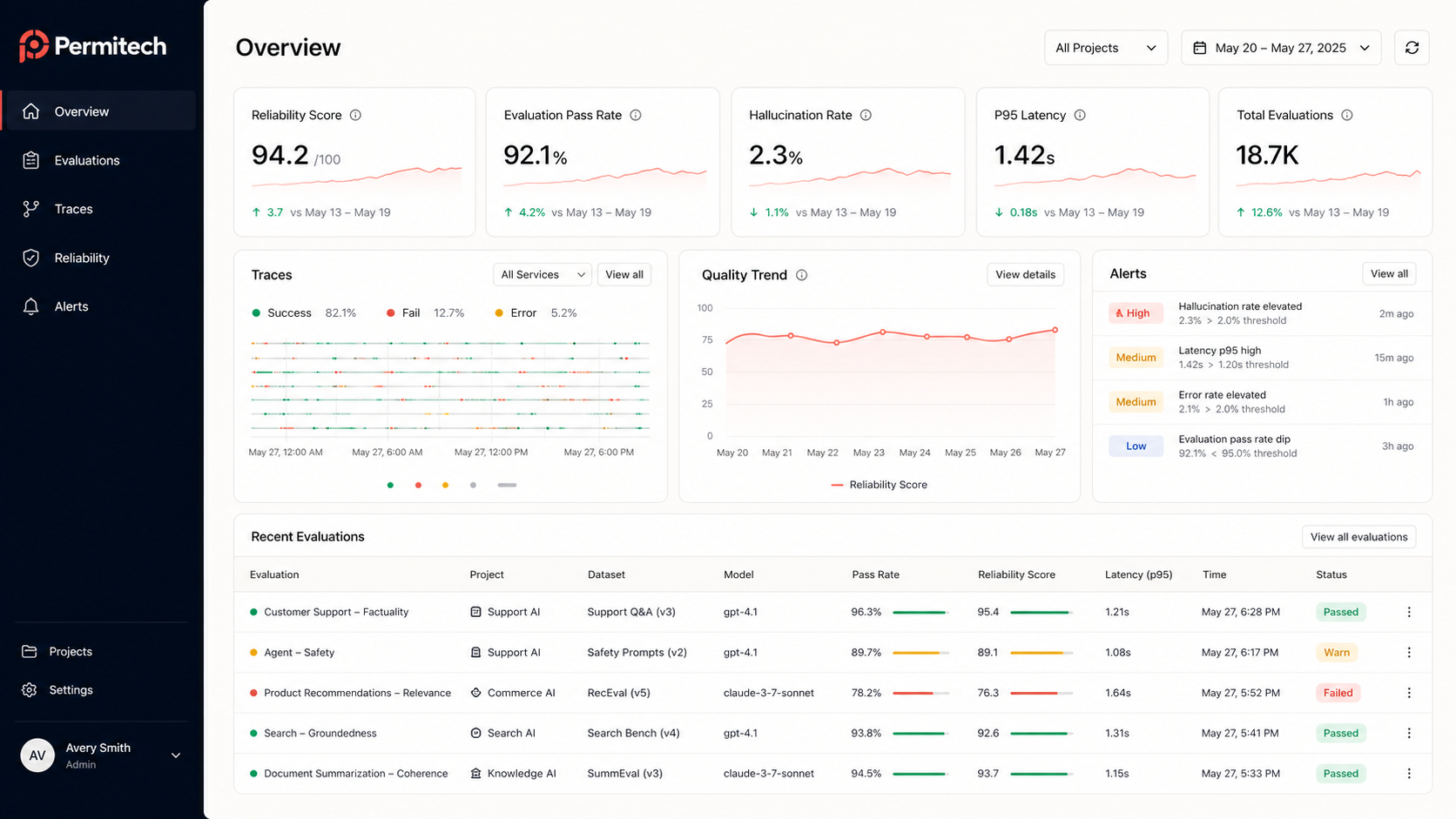
https://integrate.api.nvidia.com/v1 if you created an account + API key.
Leveraging your NVIDIA NIM integration
Once the NVIDIA NIM integration is successfully configured. Permitech enables:- Playground Access: Your NIM-hosted models will become available for selection in the Permitech Playground. You can directly prompt them, experiment with different parameters, and see their responses within the Permitech UI.
- Model Evaluation: You can run evaluation jobs in Permitech targeting your NIM models. This allows you to assess their performance on various datasets and metrics.
- Custom metrics for model evaluation